Overview
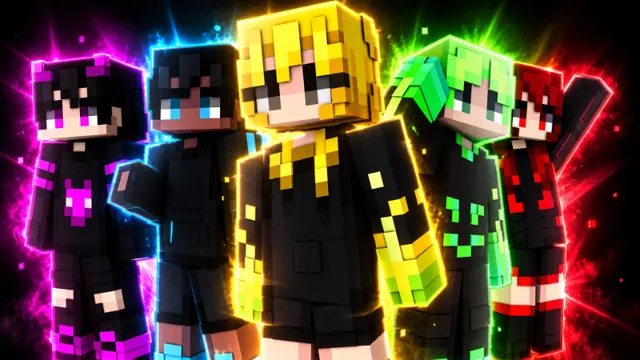
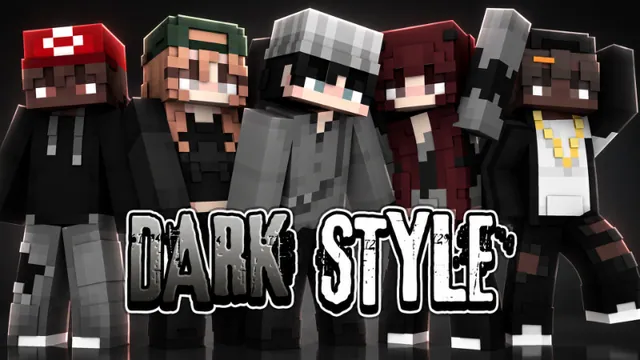
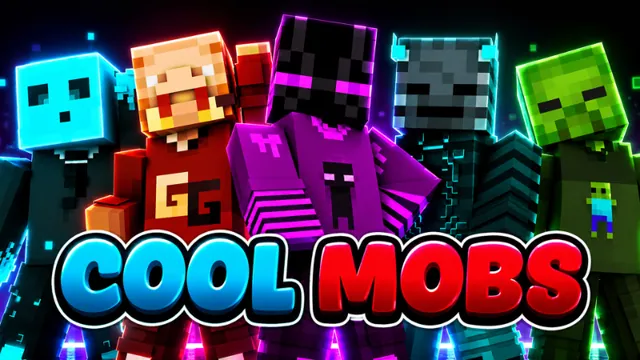
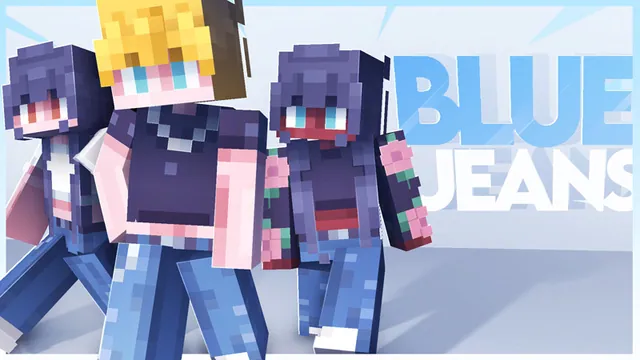
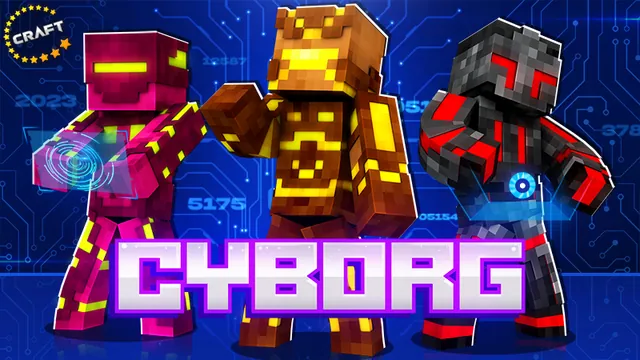
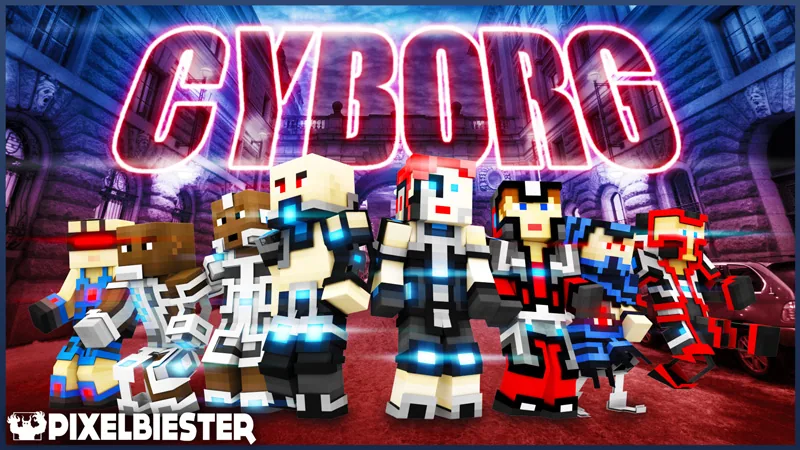
Cyborg is a sci-fi skin pack created by Pixelbiester for Minecraft Bedrock Edition. It provides players with character appearances centered on human and robotic hybrids, fitting well alongside advanced technology and cybernetic themes.
The collection offers eight distinct designs blending modern tech aesthetics with mechanical parts. Whether wandering through high-tech installations or exploring custom laboratories, these outfits give your character an altered, cybernetic appearance.
What you get
- Counted by the store: 8 skins
- 8 cyborg skins
- Futuristic science fiction designs
- Human and robot hybrid styles
Price and rating
Cyborg is free on the Minecraft Marketplace as of November 20, 2026.
Players rate it 4.4 out of 5 across 1,695 ratings.
Price history
We started tracking this item on November 19, 2026. No price change has been recorded since then.
Who it is for
This pack is best suited for players who enjoy sci-fi roleplay or want a cybernetic look for modern and futuristic worlds. Keep in mind that this is purely a cosmetic skin pack and does not include a playable city map or custom gameplay features.
Frequently Asked Questions
How many skins are included in this pack?
The pack comes with eight different cyborg character skins.
Does this download include a futuristic city world?
No, this release contains only player skins and does not include any worlds or custom maps.
About skin packs in general
Where do skins from a skin pack appear after I get it?
In the Dressing Room: choose Edit Character, then Classic Skins, pick the skin and select Equip. The Dressing Room exists only in Bedrock Edition.
Source: Minecraft Help: Equip Character Creator items and skins
What is the difference between a skin pack and Character Creator items?
A skin from a skin pack is a complete, fixed look for your character (a "classic skin"). Character Creator items are individual pieces - hair, clothes, accessories - that you combine yourself. The two cannot be mixed: a classic skin cannot be customised with Character Creator items.
Source: Minecraft Help: Equip Character Creator items and skins · minecraft.net: What is Minecraft Marketplace
Can I use a bought skin pack on my other devices?
There is no skin-specific rule; skins follow the general ownership rule. Non-exclusive content is available on other Bedrock platforms when you sign in with the same Microsoft account.
I cannot join a world while wearing a skin or Character Creator item. Why?
Some worlds reject cosmetics that are not compatible with them. Remove Character Creator items, switch to a classic skin, or turn off "Only Allow Trusted Skins" in the settings of the world you host.
Source: Minecraft Help: World connection errors caused by Character Creator items
Is the Marketplace available in Minecraft: Java Edition?
No. The Marketplace is a Bedrock Edition feature; Java Edition has no Marketplace button and cannot use Marketplace content. The help center describes mods as the Java Edition counterpart of Bedrock Add-Ons.
Source: Minecraft Help: Marketplace Pass subscription errors · Minecraft Help: Add-Ons
What are Minecoins?
Minecoins are the digital currency of the Marketplace. You buy a pack of coins with real money and spend the coins on content; prices on this site are shown in Minecoins for that reason. On PlayStation the equivalent currency is Minecraft Tokens.
Source: minecraft.net: Buy Minecoins
How much is a Minecoin worth in real money?
There is no fixed official rate: the price per coin depends on the pack size, your platform and your region, and the official help pages do not publish a price table. The dollar figures on this site are estimates based on the usual US price of a small pack, so treat them as a rough guide and check the pack prices shown in your own game.
Source: minecraft.net: Buy Minecoins
9Minecraft Marketplace is an unofficial tracker and is not affiliated with Mojang or Microsoft. Prices are in Minecoins as listed for the US store and can change at any time; always check the Marketplace page before you buy.